
Watch the Scene
Play short scenes with captions, timing markers and a waveform so every line has a clear moment to perform.
Browser dub game
Record character lines, score your performance, play solo or multiplayer, and use community Dub Mods directly in your browser.
Play online
No game installer is needed for the online version. Open the game, choose Single Player or Multiplayer, then import or download a Dub Mod and record your take.
Compatibility note: Voxalike uses browser-friendly MP4 or WebM videos. Older Choicer Voicer Dub Packs that include dub_video.ogv should be converted to dub_video.mp4 before importing or publishing to the Workshop.
Game overview
A quick look at the menu, single-player recording loop and multiplayer dub stage.
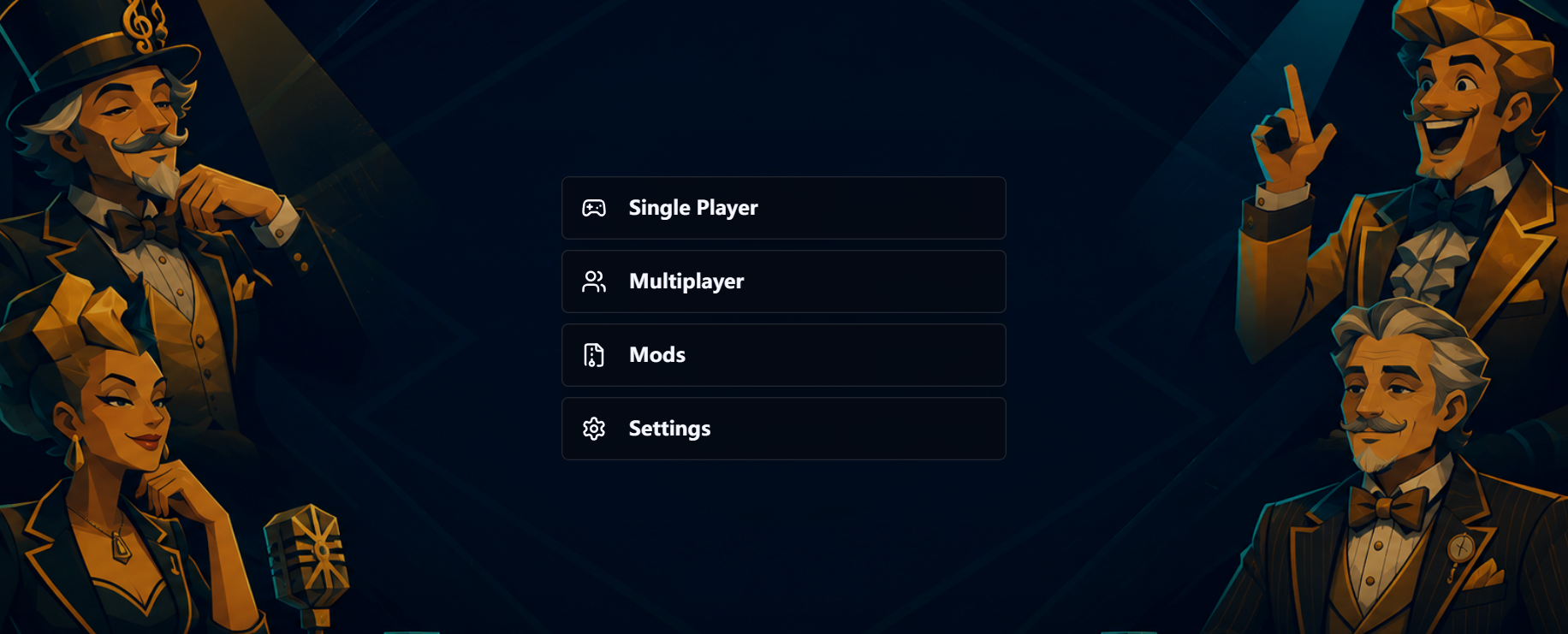
Menu
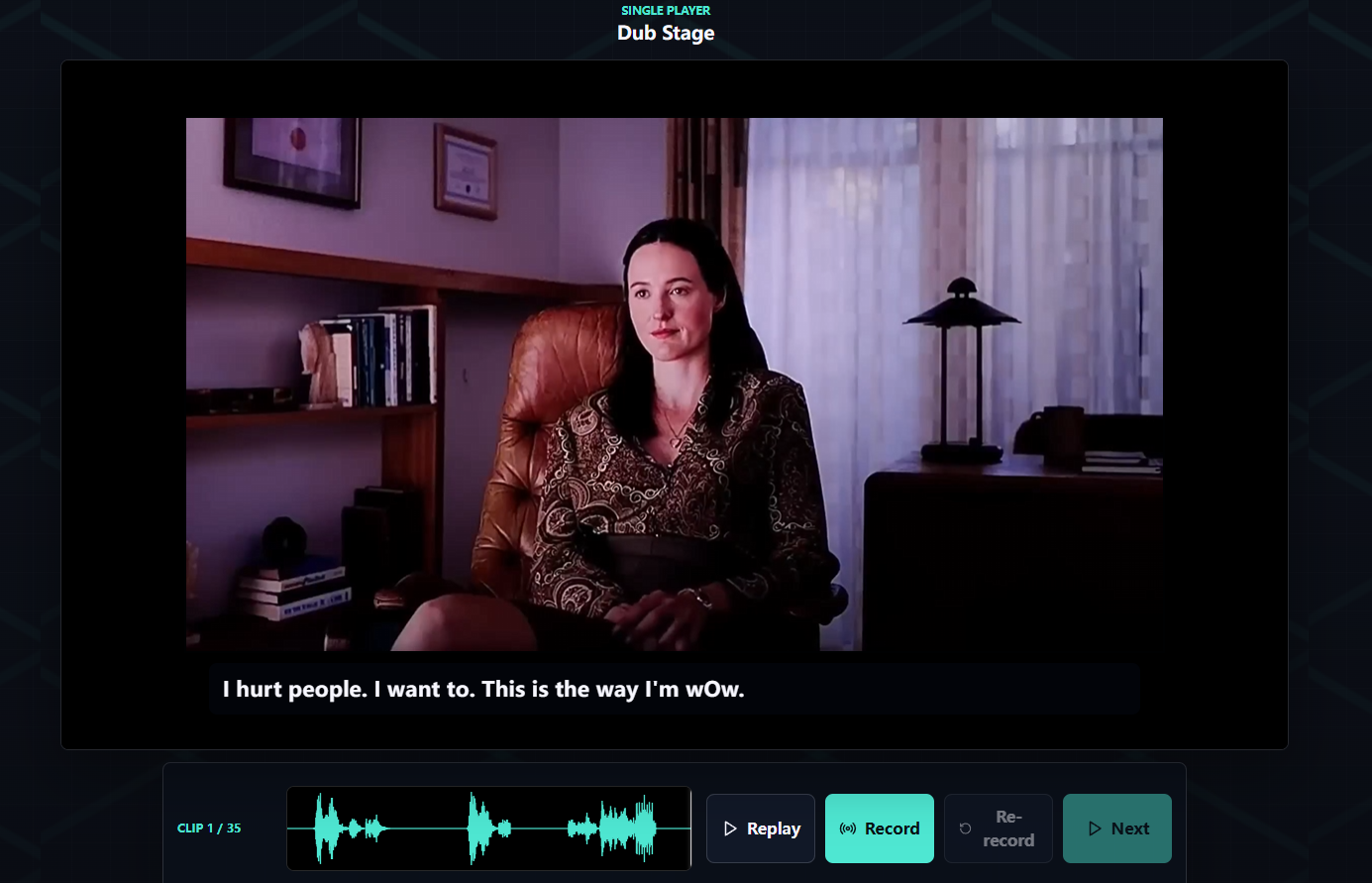
Single Player
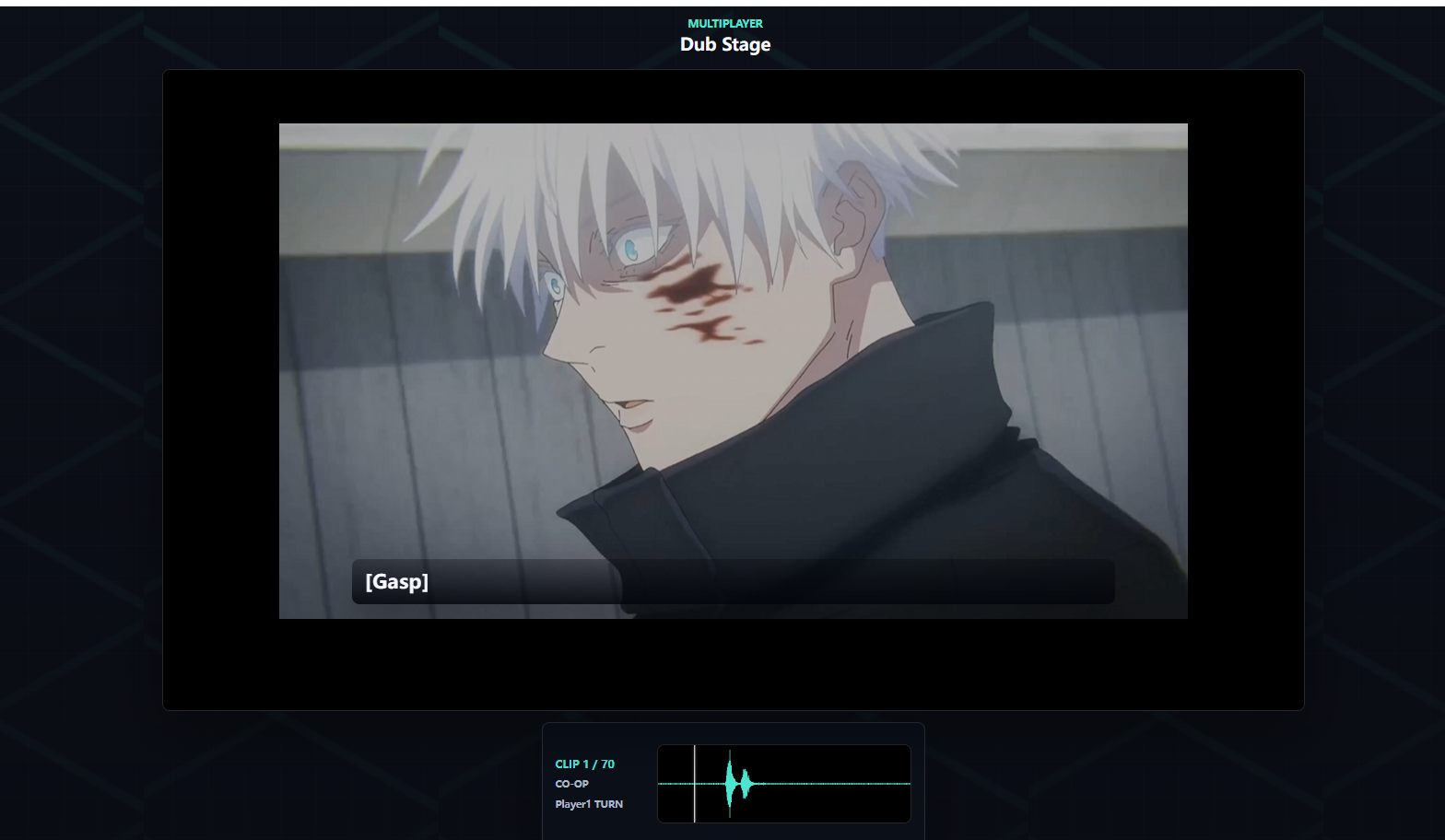
Multiplayer
Play short scenes with captions, timing markers and a waveform so every line has a clear moment to perform.
Use your microphone to record, replay, re-record and compare the timing before moving on.
Bring compatible Dub Packs into Voxalike, then run them as solo or multiplayer browser challenges.